Change, renew or close an ad
Fix the details, hide it for a while, bring it back when it runs out, or mark it sold.
An ad is not fixed the moment you post it. Correct it, pause it, renew it or close it — all from the ad's own page, all free.
Managing an ad you already posted
Step 1: Open My Ads and tap the ad you want to change. Everything below lives on that ad's own page.
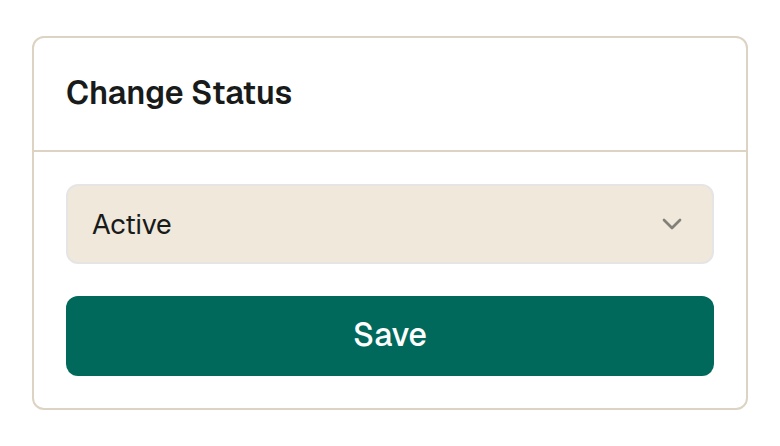
Step 2: Change status switches the ad on and off. Active means buyers can see it. Deactivate hides it without deleting it, and you can switch it back whenever you want. Sold out closes it once the item is gone.
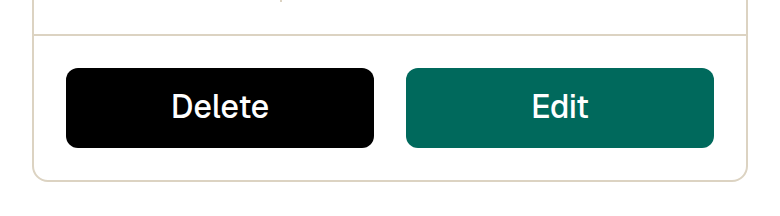
Step 3: Edit re-opens the ad so you can fix the title, price, description or photos, and the ad stays live while you do it. Delete removes it permanently — choose Deactivate instead if there is any chance you will want it back.
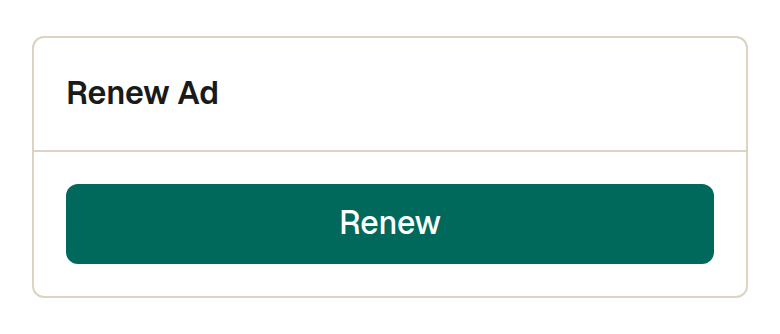
Step 4: An expired ad cannot simply be switched back on. A Renew panel appears in its place, and renewing puts the ad back in front of buyers for a fresh run.
Step 5: Mark an ad sold as soon as the item is gone. It stops the calls, and it keeps your list honest for the buyers still browsing.
What this cannot do
- You can only edit an ad while it is live or under review. An ad that is hidden, expired or sold cannot be edited — switch it back on or renew it first.
- Once an ad is marked sold out, its status cannot be changed back from this screen.
- Renewing does not need a payment. Listing on Maaru is free and renewal is part of that.
Watch out for
- Edit before you hide, not after. A deactivated ad has no Edit button, so fixing the photos means switching it back on first.
- Changing the price on a live ad is free and the ad keeps the views it has already earned. Posting the same item again as a new ad starts from zero.